
Contextual cues
Nudges signalling that AI can support the intended task
Key characteristics
Makes AI value immediately visible
Increases adoption by appearing at the moment of need
About
A user starts a slow, manual task and is prompted with a hint. Acting on it completes the work in seconds. This is an effective contextual cue.
Actions inferred by contextual cues save time. They should appear only when AI clearly simplifies or accelerates the task and when user intent can be identified with high confidence.
Contextual cues pair well with suggested actions. The cue signals that AI can help and suggestions offer concrete options, reducing decision effort and interaction cost.
Shapes and forms of contextual cues
1. Plain text, labels
When space allows, text is the clearest way to communicate AI availability. It leaves little room for misinterpretation and works well for onboardings
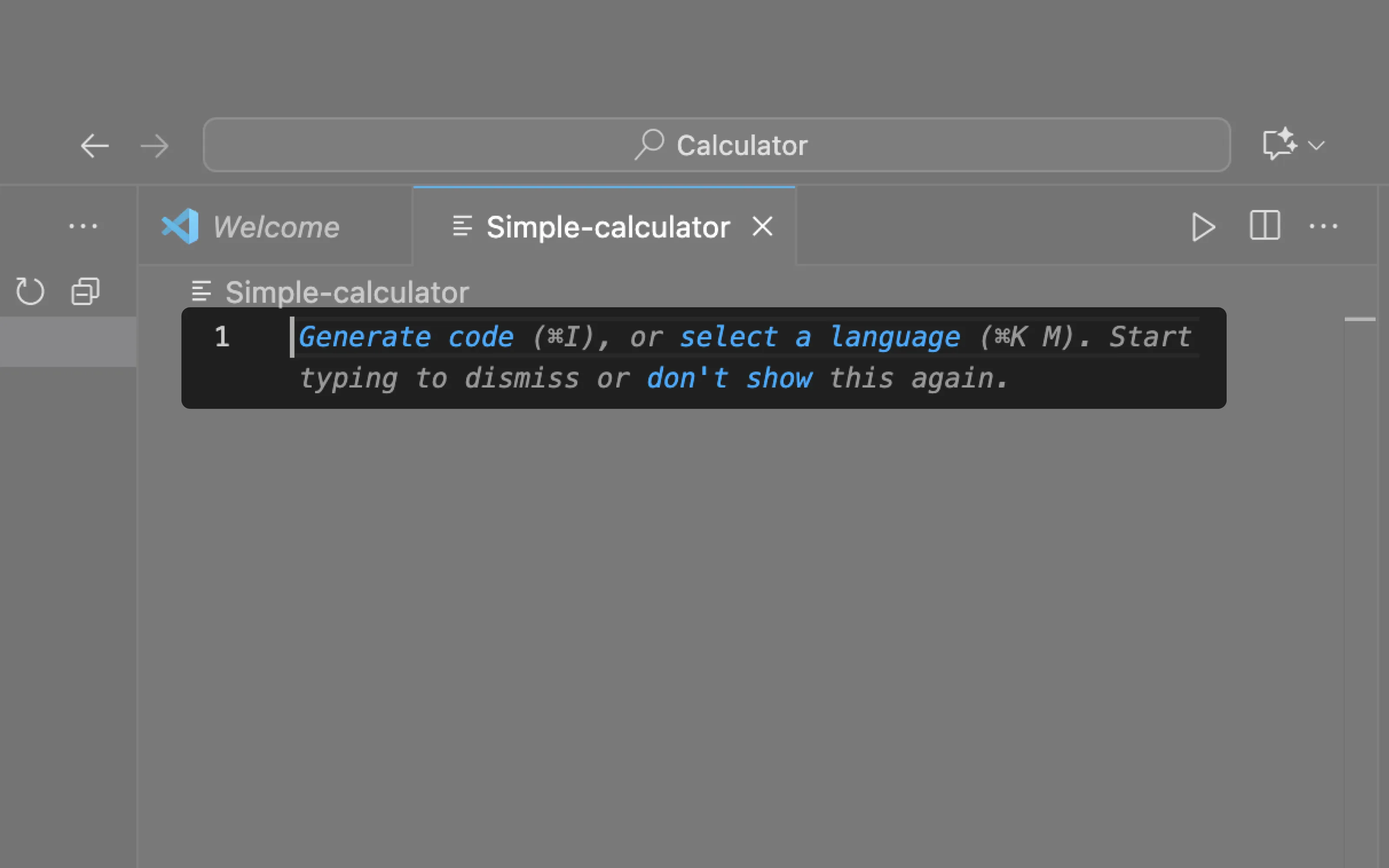
VS Code uses empty states to suggest generating code to kick-start a project.
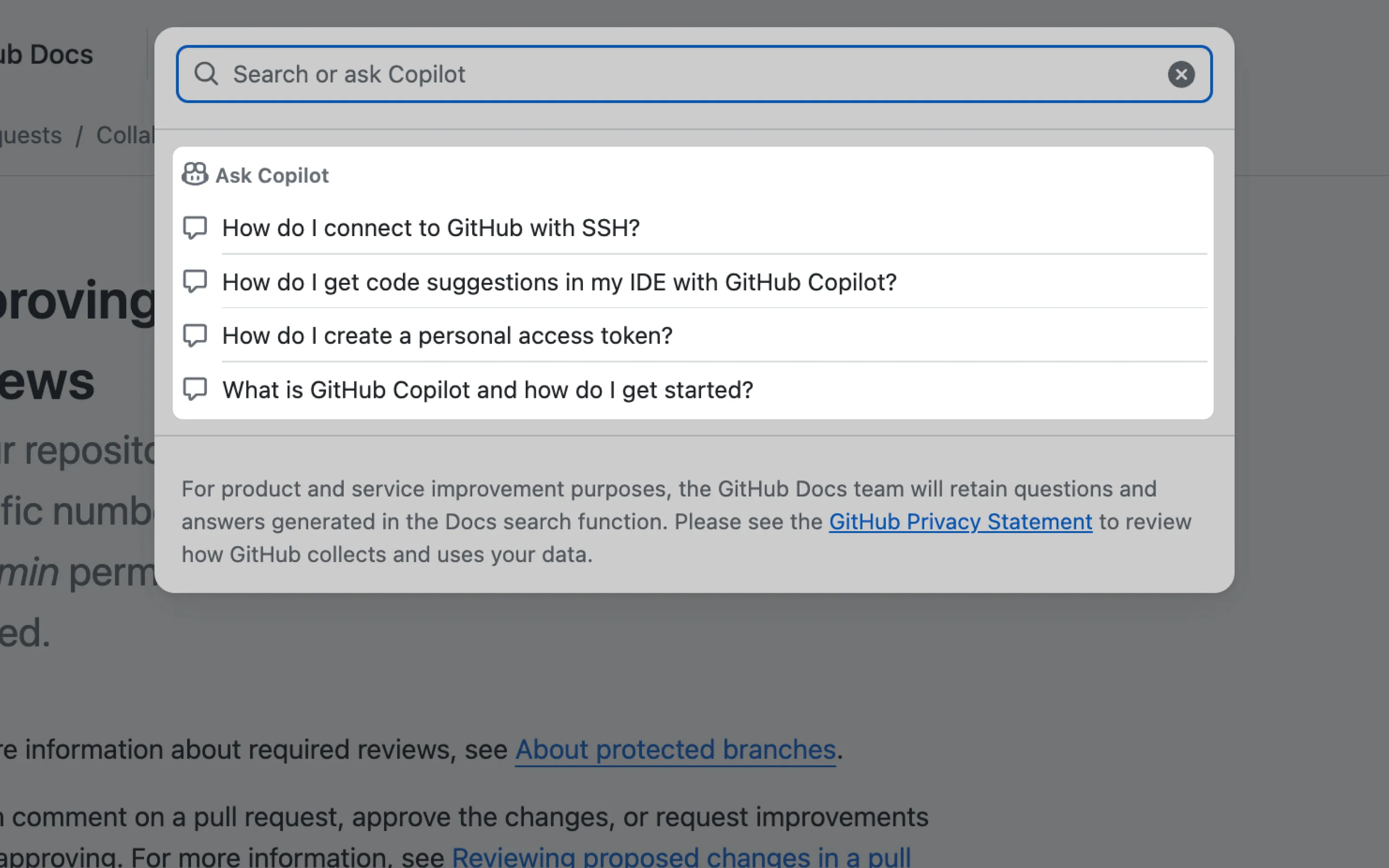
In GitHub Docs search, users are told they can ask Copilot instead of searching manually, supported by quick actions for common questions.
2. Icons
Icons are a more compact way to communicate AI functionality. They work best when users already understand the feature or when paired with subtle affordances like hover states.
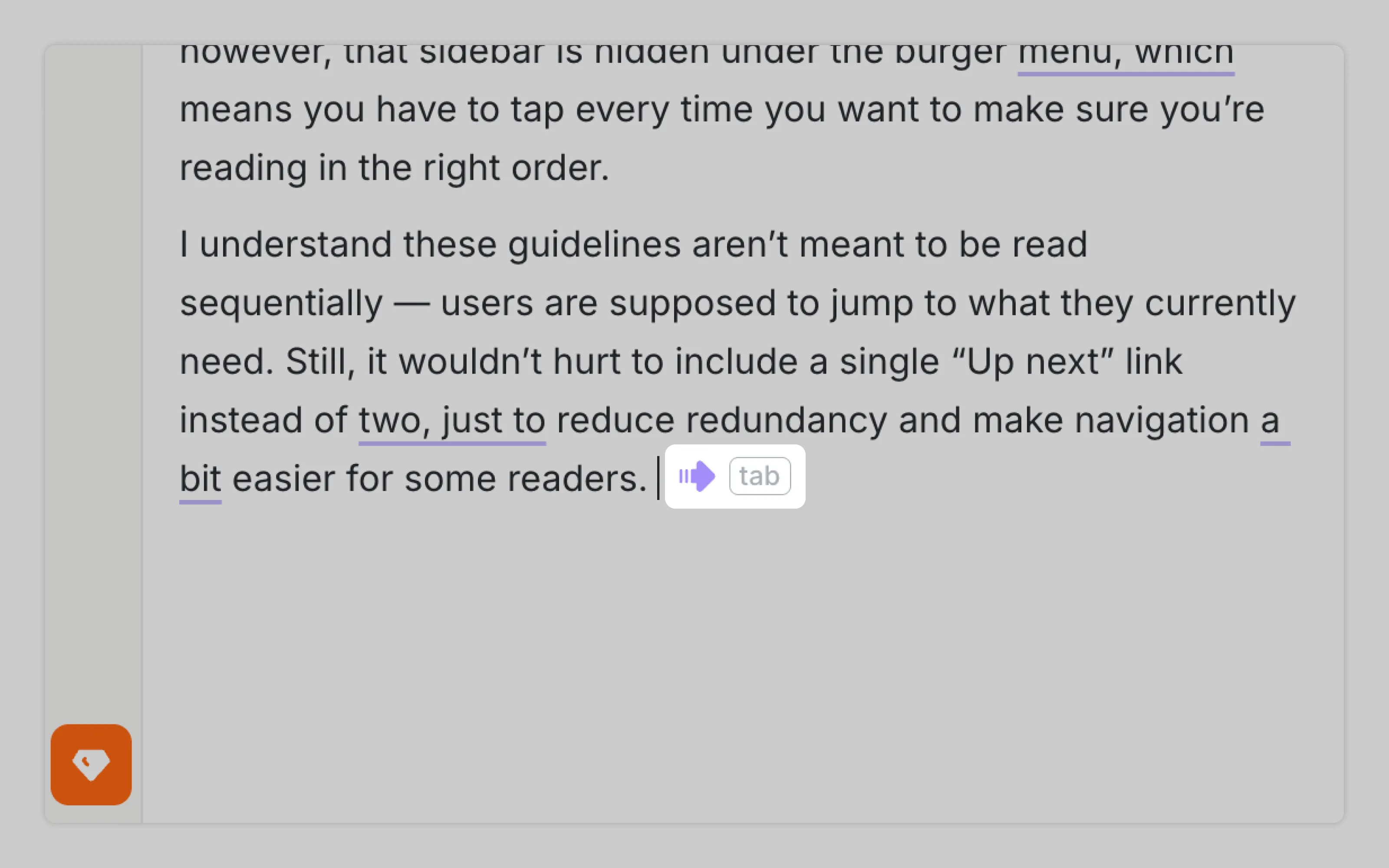
Wordtune uses a small arrow icon to indicate that AI can continue writing the next sentence, without interrupting the writing flow.
3. Ghosted output
The most advanced contextual cues preview AI output so users can quickly assess the outcome before committing, which lowers perceived risk and builds confidence. These cues are most common in Follow Throughs
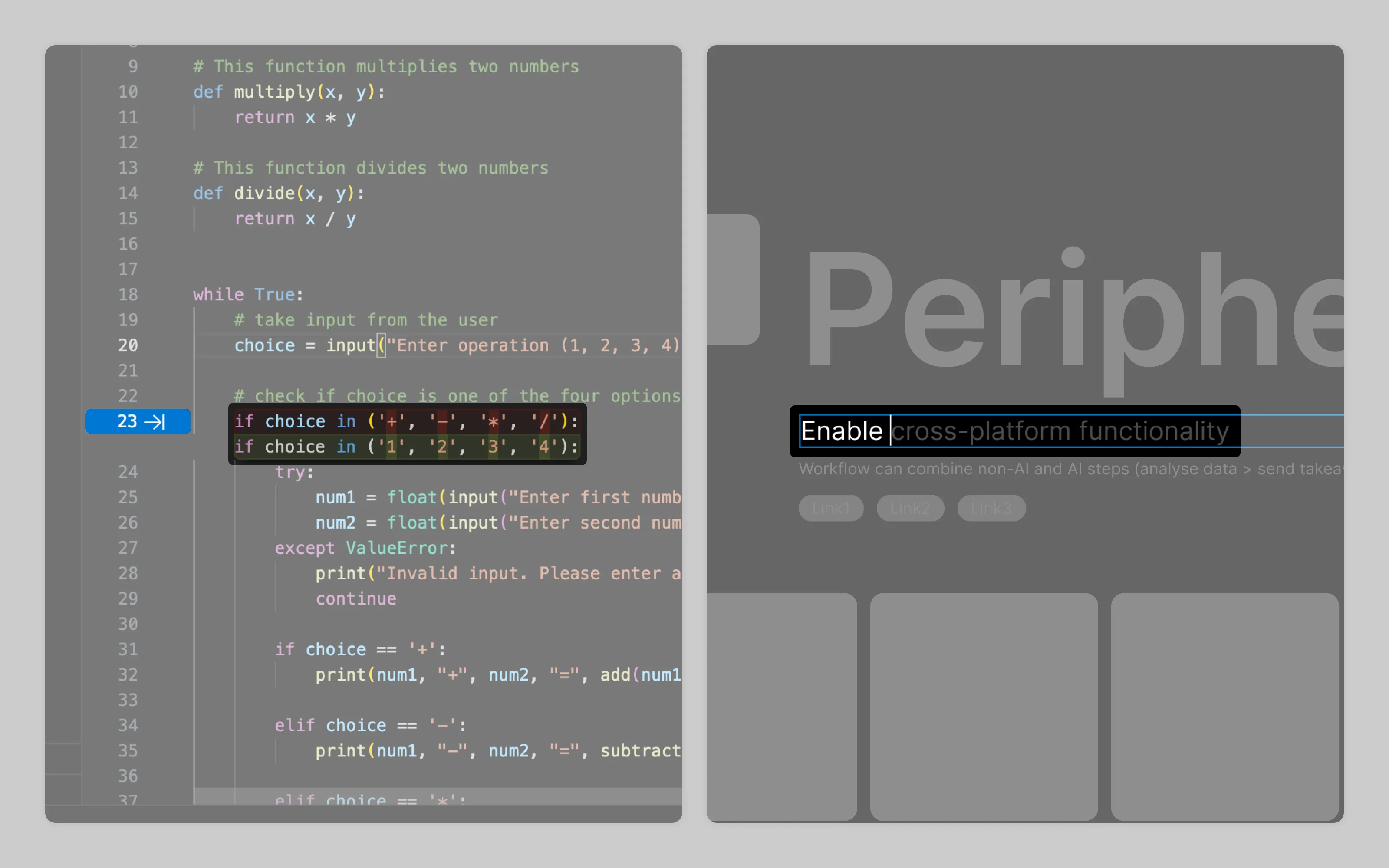
VSCode shows proposed code highlighted in green. Figma previews text completions in grey color
Or email us at hello@studiolaminar.com