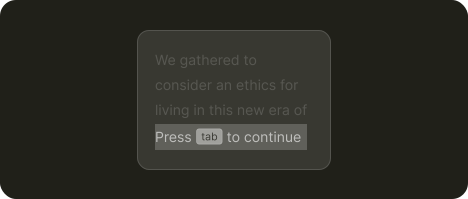
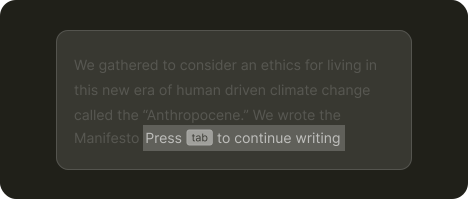
Follow through
Let AI understand user intent and propose the next action, like autocomplete or next edit suggestions
Use cases
Complete half-written emails based on context
Generate code functions from comment descriptions
Predict and pre-fill repetitive spreadsheet formulas
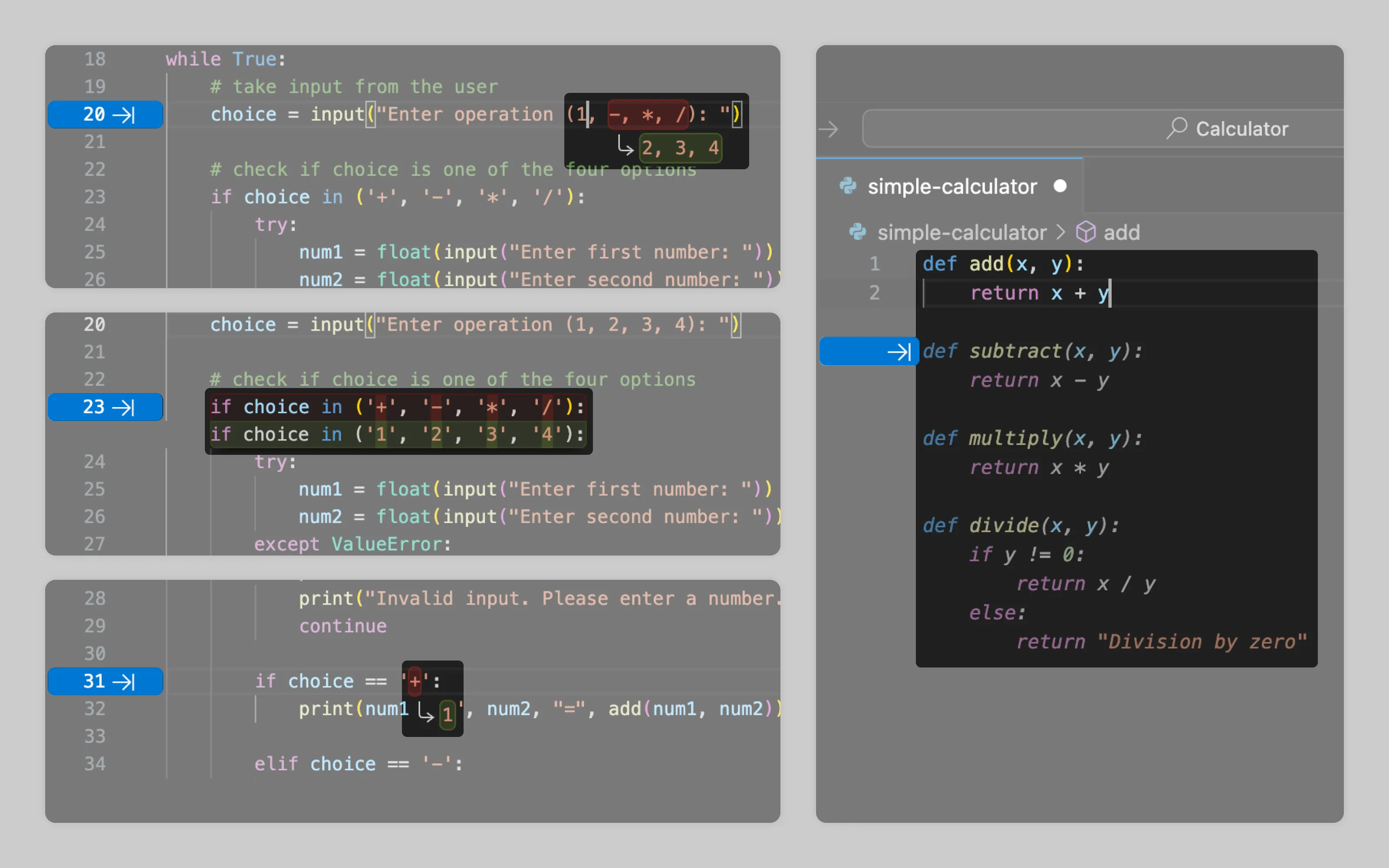
VSCode offering next edit suggestions and autocomplete with the tab button
About
Follow-through patterns detect what users are trying to accomplish and suggest the next logical step so users can reach their goal with a click of a button instead of manual input.
They work both on-demand when users trigger them and autonomously in the background, providing ready made completions for users to accept.
The pattern's effectiveness depends heavily on understanding user intent. When the AI correctly anticipates user goals, follow-throughs greatly speed up user workflow. When they miss the mark, they become noise.
What's needed
Context pointing ➞
1. Understand users intent
To predict user intent and generate relevant follow-throughs AI should gather context from multiple sources:
Pattern detection: when the user builds a recognizable structure, AI can spot the pattern and propose the next logical piece
Example: The user writes addition and subtraction functions. AI recognises the setup for a calculator app and proposes a multiplication function next.Workspace artifacts: what the user is working on, including files, comments, and documentation.
Example: An editor's comment says 'Build trust here' in a user's ad copy. The AI suggests following content with cues that demonstrate credibility.Interaction history: recent edits, commonly used components, and the user’s usual workflow
Example: In past sessions, the user always fills the “Client” table the same way: name → domain → owner. When they add a Client row in new file, AI offers this exact arrangement
Find more examples on gathering intent at Suggest in context benefit
Contextual cues ➞
2. Non-intrusively inform AI can support the task
Since follow-throughs appear while users are mid-task, they need subtle visual cues that depend on the trigger model:
User-initiated suggestions are afforded as standard icons like arrows or AI sparkles
Autonomous suggestions appear as "ghosted" output that showcase the completion for users to accept
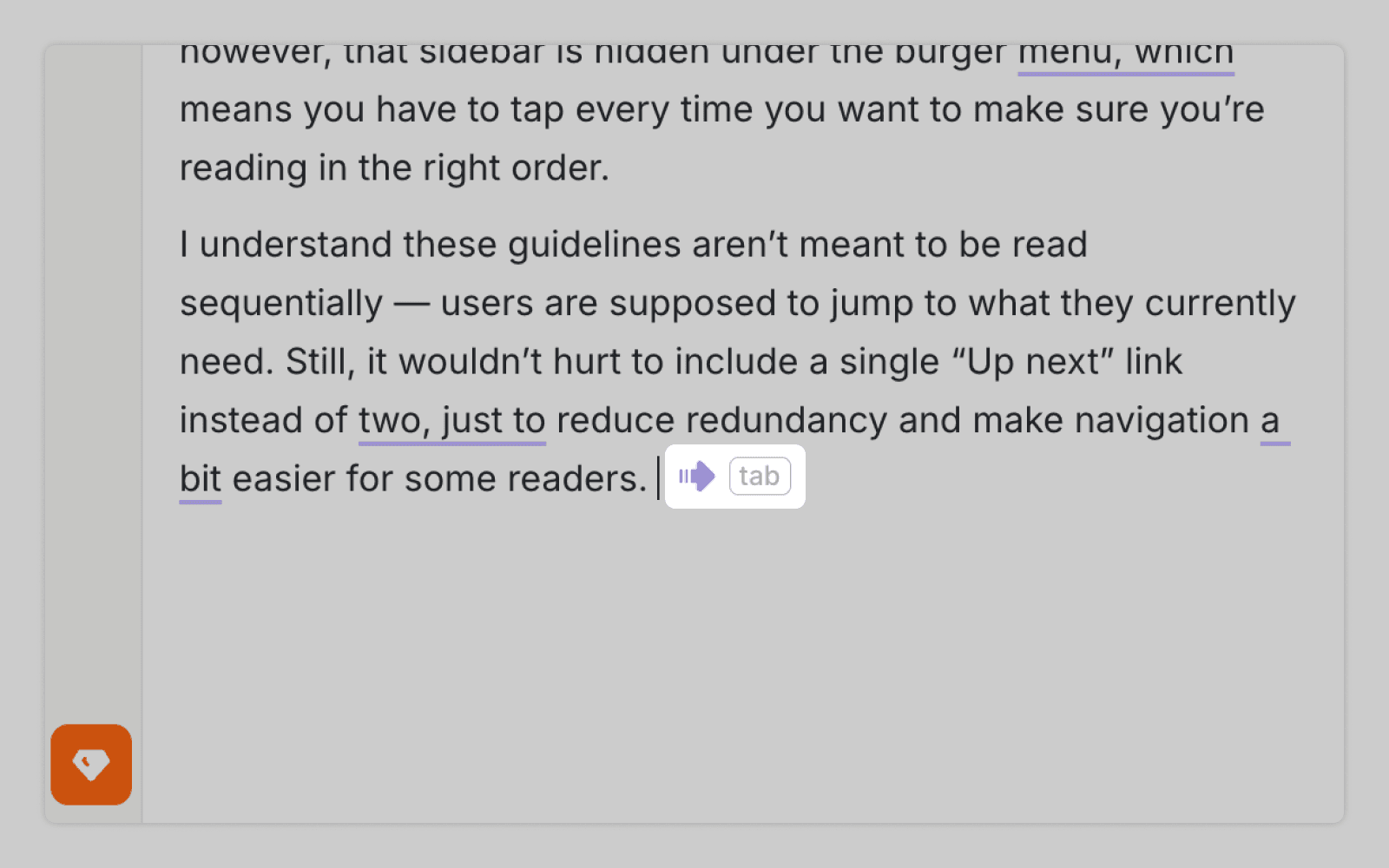
Wordtune waits for explicit user action. Clicking Tab triggers text continuation, signaled by arrow and "tab" icons
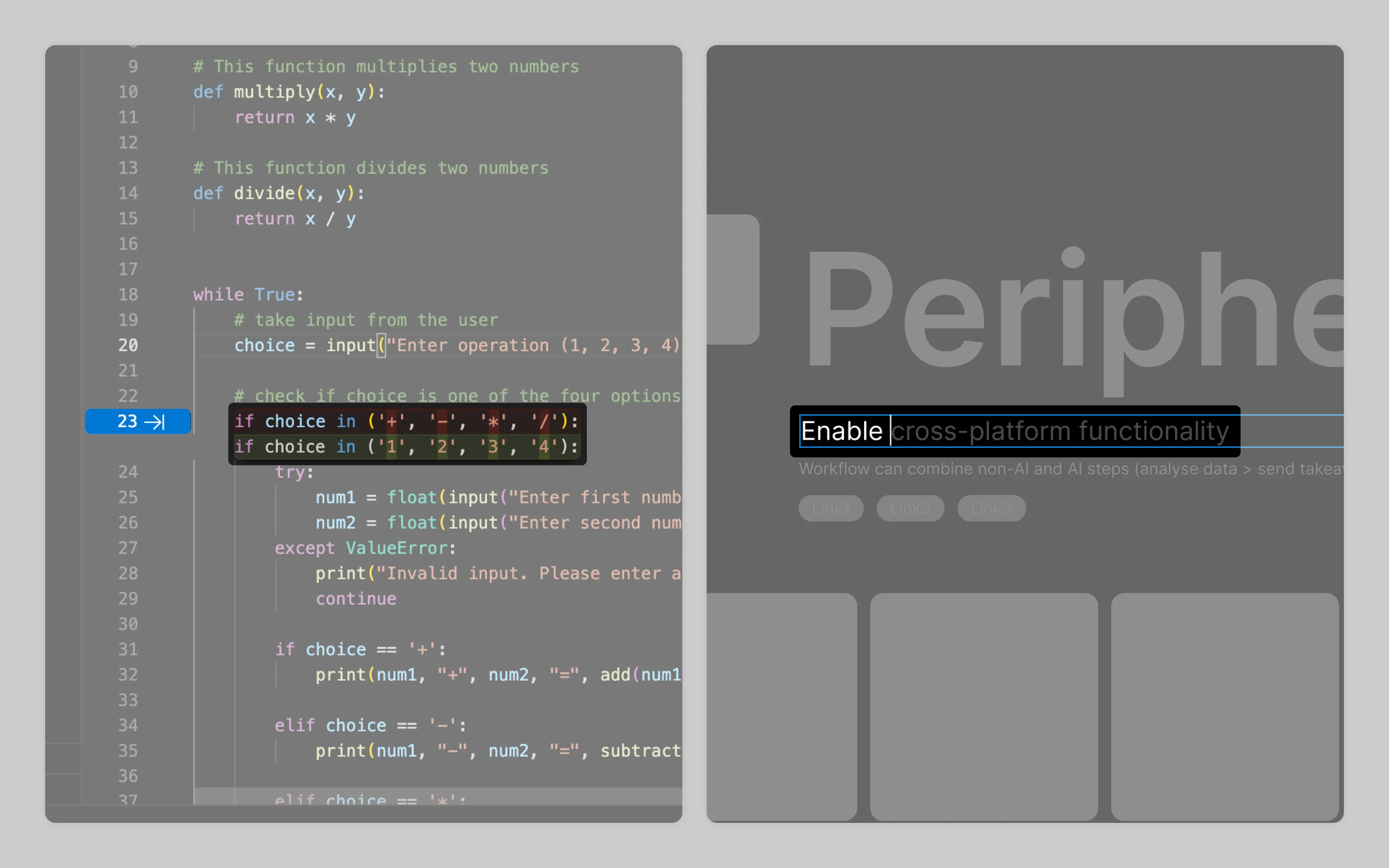
Copilot (VSCode) and Figma AI generate suggestions autonomously, displaying them as ghosted text users can accept with Tab.
Labor transparency ➞
3. Show that AI is working
When users trigger a follow-through that requires some time to generate content the UI needs to confirm the system received the request and is actively processing it.
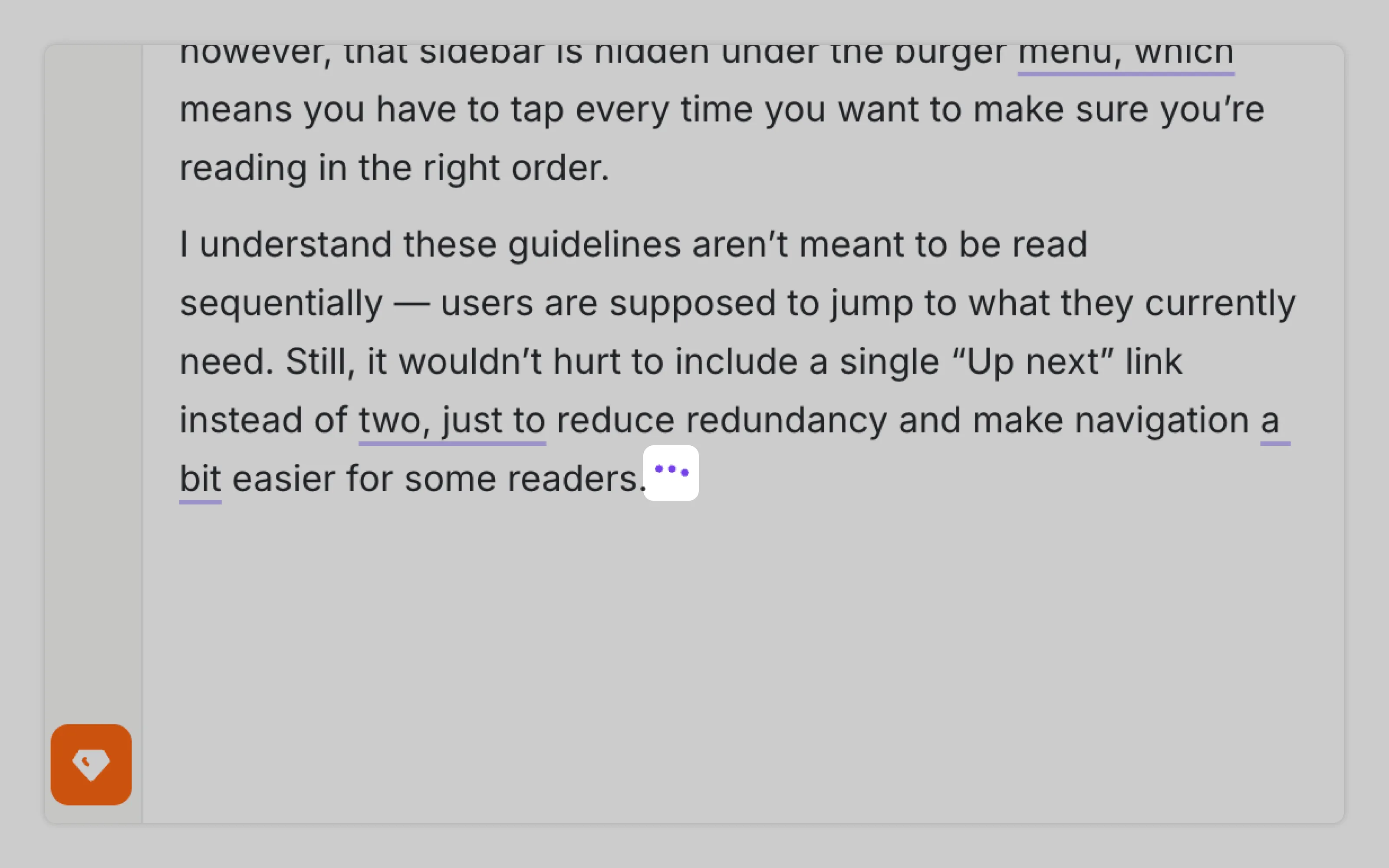
Wordtune displays three animated dots during text generation to maintain this feedback loop.
Output management ➞
4. Enable to accept, discard, or choose between multiple AI proposals
Users need immediate escape routes from AI suggestions. At minimum, standard undo (Ctrl+Z) must work. Additionally for longer outputs beyond single sentences, the interface could offer multiple variations to choose from.
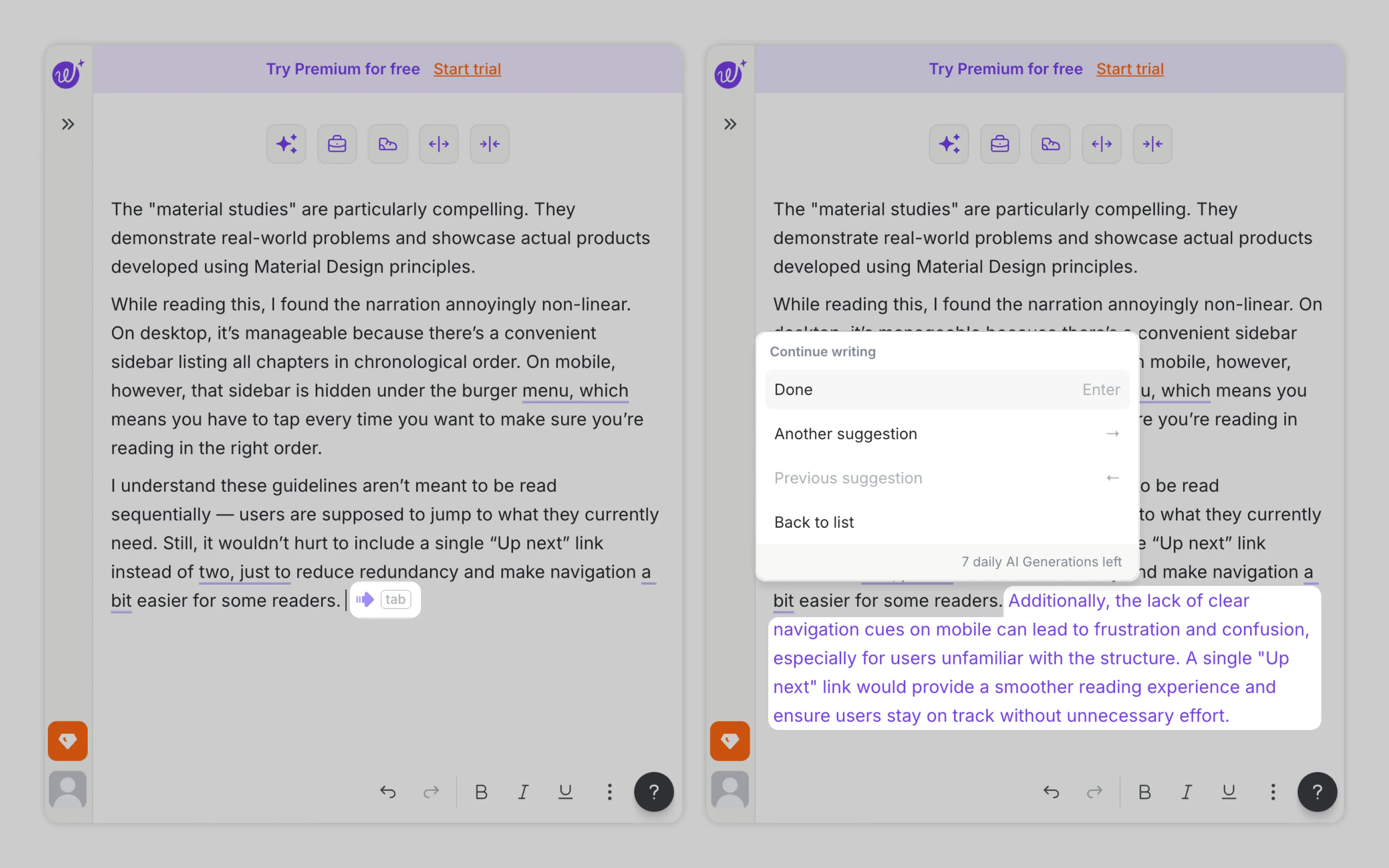
Wordtune provides three paths: accept the suggestion, discard it, or browse alternative versions. Each "Another suggestion" click reveals a different completion, giving users real choice rather than a binary take-it-or-leave-it decision.
Or email us at hello@studiolaminar.com