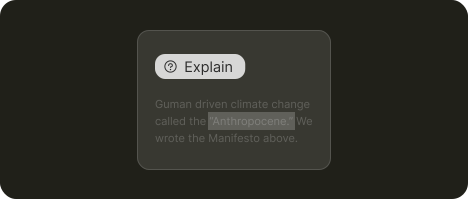
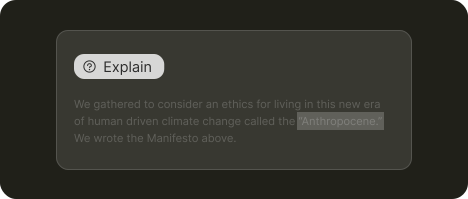
Explain
AI interprets and explains complex scenarios using available context and a knowledge base
Use cases
Decode error messages and suggest fixes without documentation diving
Onboard new users faster and more independently
Bridge language gaps between teams by translating jargon, acronyms, and specs
About
Explain let AI clarify specific topics or terms using industry and company knowledge bases. Users get answers without leaving their workflow to dig through wikis or documentation.
What's needed
Context pointing ➞
1. Let users highlight what AI should focus on
Users need precise and seamless ways to point AI at what needs explaining.
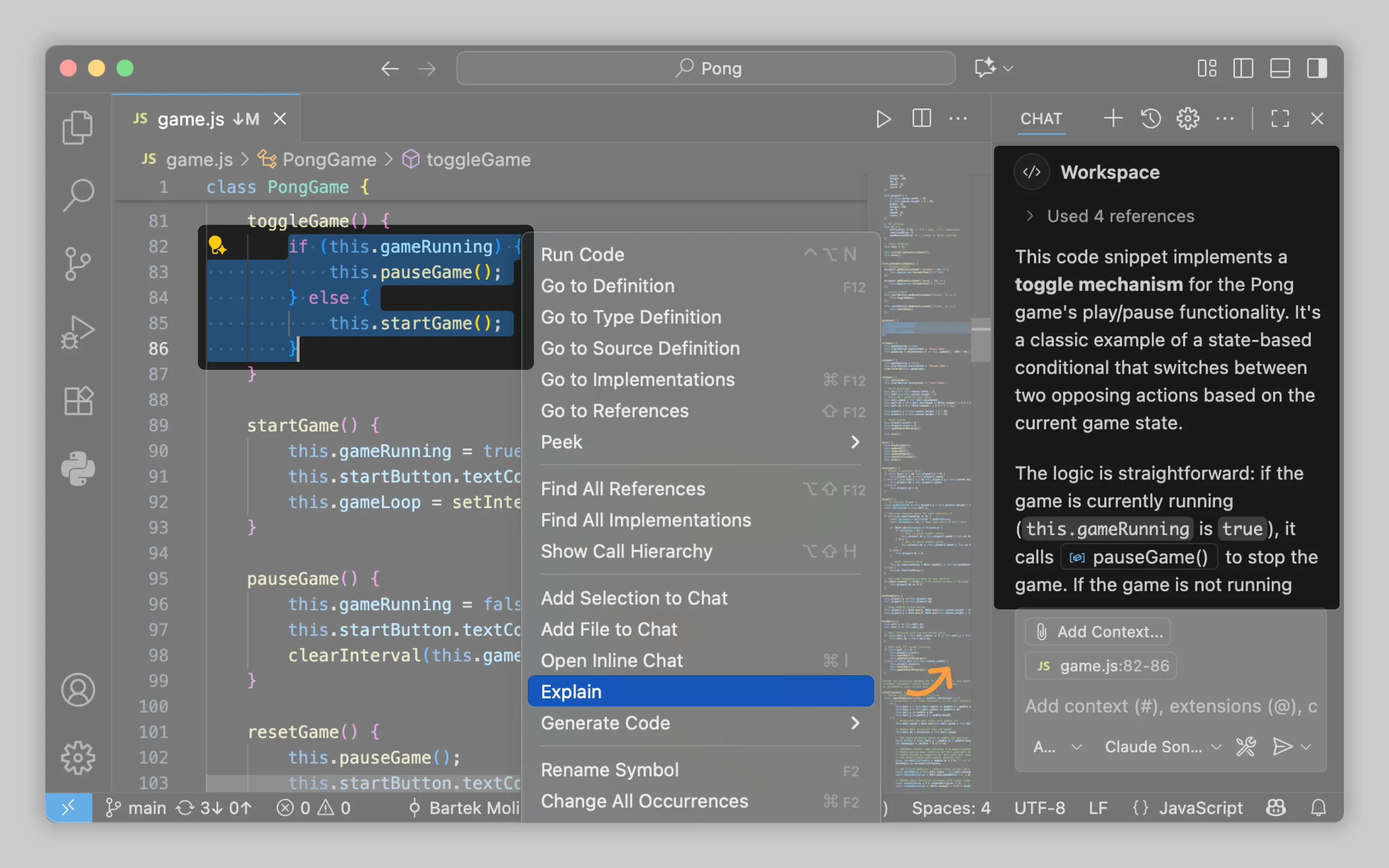
VS Code adds an "Explain" option to the context menu when users highlight code
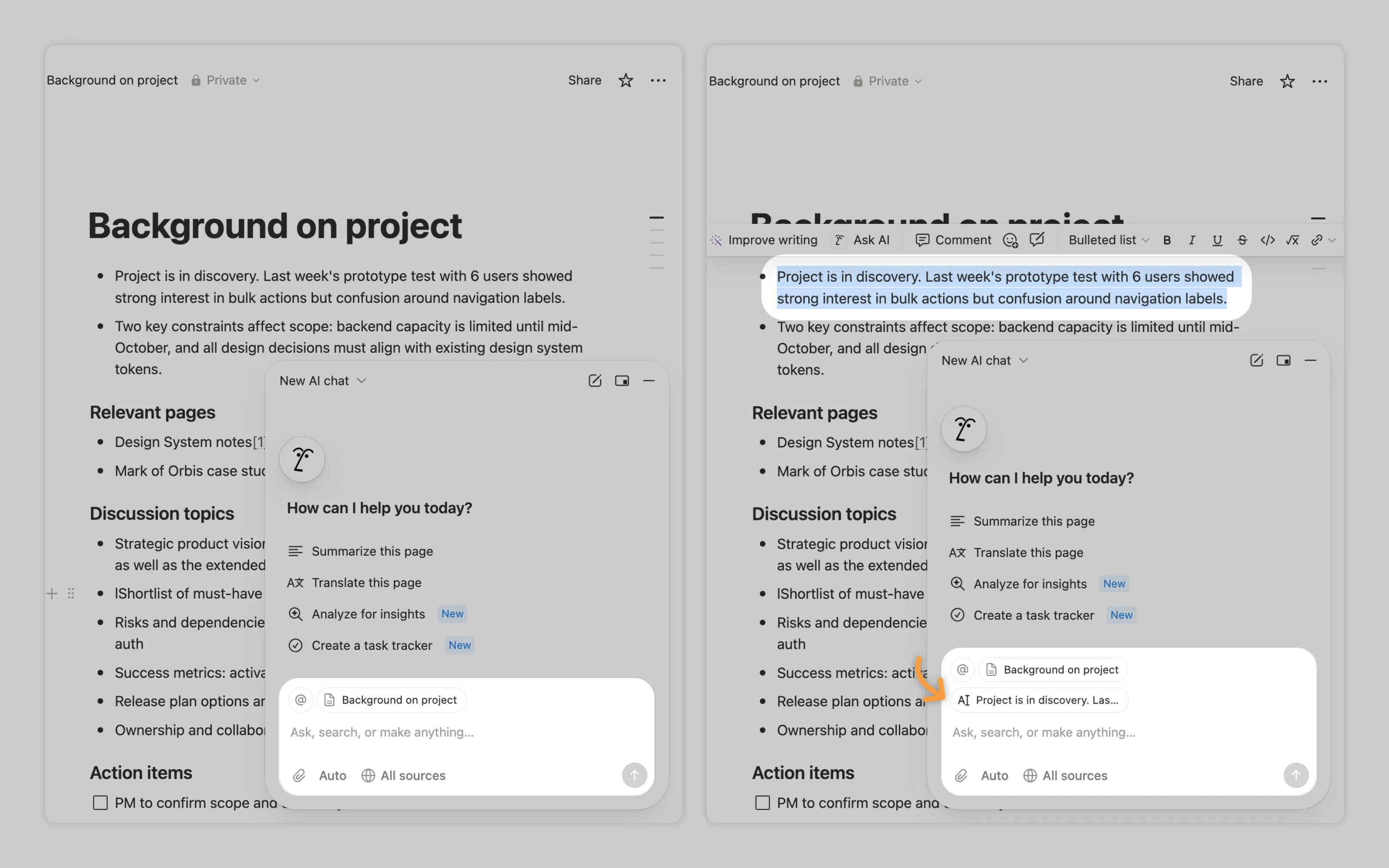
Notion automatically feeds highlighted text into AI chat as a reference point.
Model customisation ➞ | Performance feedback ➞
2. Utilise industry knowledge
Domain-specific tools require domain-specific knowledge. When your users are specialists, generic AI explanations waste their time. Train your model on industry terminology, concepts, and best practices. Listen to experts when they flag gaps or inaccuracies in AI responses.
For enterprise tools, build pathways for companies to inject their own knowledge bases. Their internal documentation, terminology, and processes should shape how AI explains concepts to their teams.
Labor Transparency ➞
3. Show sources AI used
High-stakes explanations need verification trails. Users should see which sources informed the AI's response and access those sources directly for deeper investigation.
Identifiers ➞ | Disclosure ➞
4. Inform of AI limitations
Mark AI-generated explanations clearly and remind users that AI can produce confident-sounding errors. In high stakes environments encourage experts to verify critical information directly from the provided sources rather than trusting AI interpretation alone.
Or email us at hello@studiolaminar.com