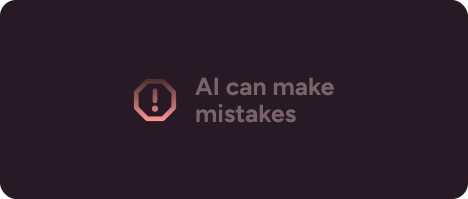
Disclosure
Inform that AI is involved and set expectations of its abilities
Key characteristics
Use disclosures to let users know when AI is involved in content creation or actions
Most users don’t know AI’s limitations and need explicit information in decision-making workflows.
The level of disclosure should be adapted to the impact of the decision being made
About
AI can hallucinate meaning when context is insufficient, it may come up with it's own facts. Even with rigid prompts and solid context, the risk of providing false information never reaches zero and in high-stakes scenarios that cannot be tolerated
This is why regulations like the EU AI Act define risk levels for AI systems and impose corresponding requirements. In context of adequately informing users they mandate that any AI-generated content that could influence decisions needs clear disclosure about AI involvement and its limitations.
Take automatic financial reports, medical summaries, or legal briefs. They will help users scan key facts, but when taken at face value, hallucinated details can lead to serious errors.
One issue to address is banner blindness. Because disclosures are legally required every time they will quickly stop being noticed. At high-risk decision points user flow may need to be deliberately interrupted with explicit information or a proactive ask to review AI output. Read more on that at human decision gates.
Components of disclosure
1. Inform AI is involved
Always mark AI involvement. This applies to both existing content and inputs, so users know AI will be used if they take an action like clicking to write a summary.
Icons and labels work well as identifiers of AI related content
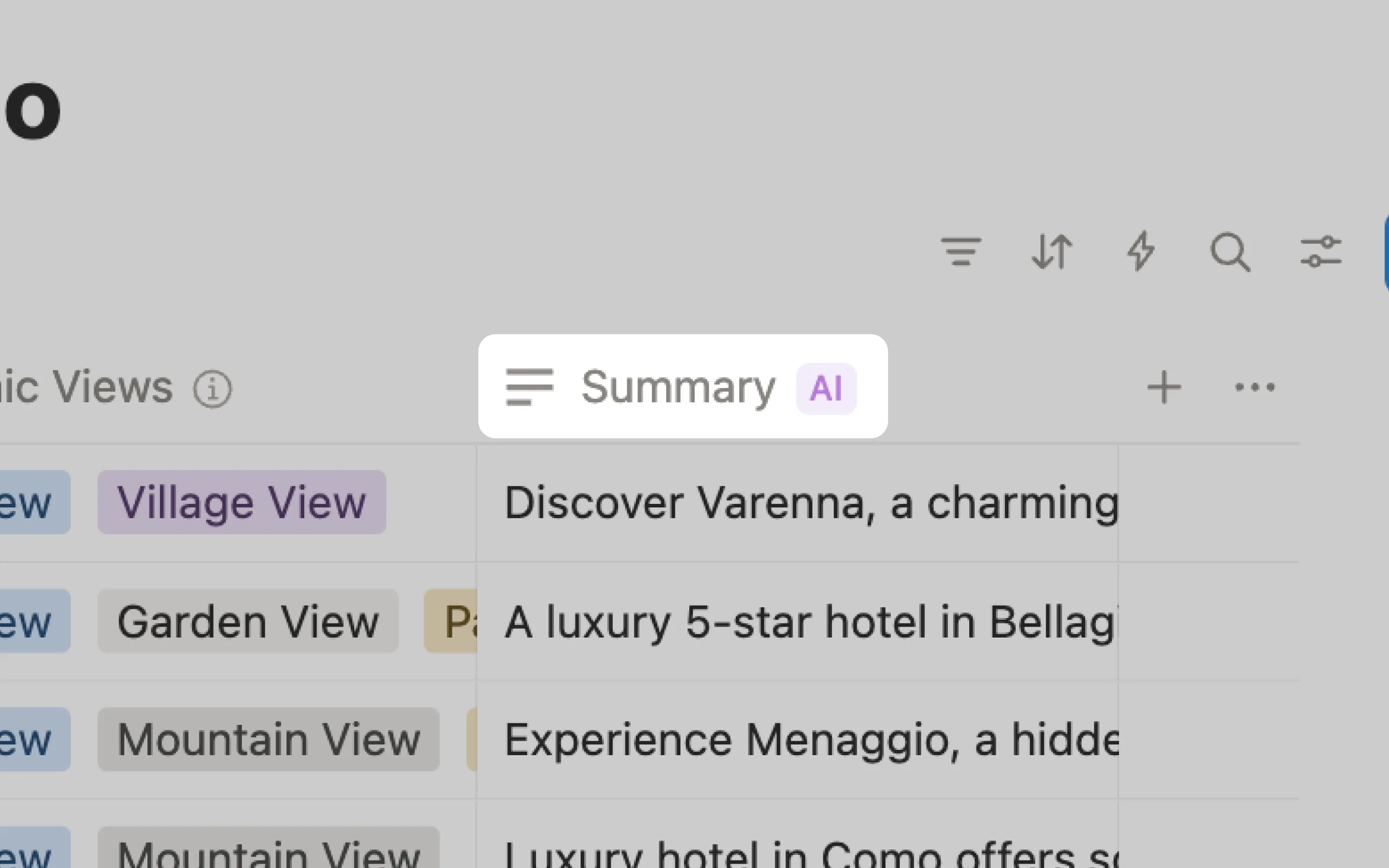
Notion clearly marks where summaries are AI-generated within its databases.
2. Inform AI has limitations
Marking AI presence isn't enough when people assume computers don't make mistakes. Place warnings like tooltips in dense interfaces and inline text where space allows for it.
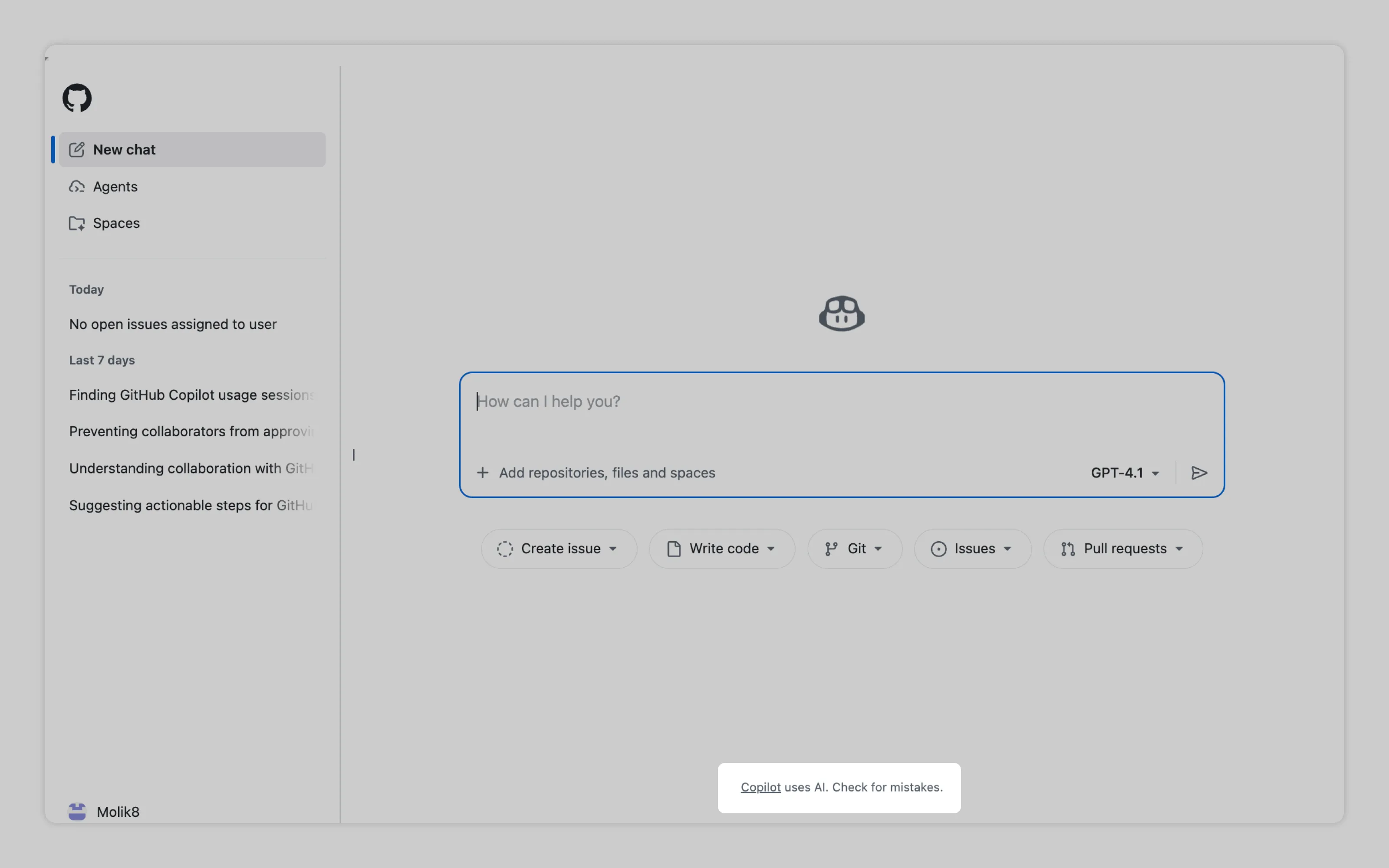
GitHub informs users that Copilot uses AI and should be checked for mistakes.
Or email us at hello@studiolaminar.com