
Search & Filter
Let AI aid search by responding to queries or setting filters
Use cases
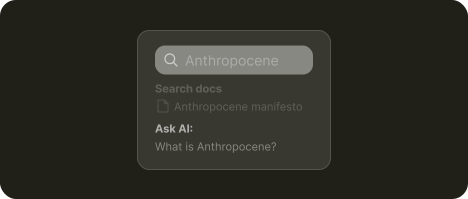
Instead of learning filters or search syntax, users describe what they need and AI runs the search for them
Propose answers to questions users are likely looking for based on viewed content
Provide summarised tables of content so users can jump directly to the part that answers their question
About
AI-enhanced search can be grouped by the capabilities it relies on:
Intent understanding. AI can interpret natural language queries, so users no longer need to learn advanced search syntax or complex filters. AI can: search, configure filters, or outright generate answers itself
Processing speed. AI can scan and analyze large amounts of content far faster than a human. Based on what the user is viewing, it can generate summaries and point users to sections featuring the answer user is likely looking for.
What's needed
Disclosure ➞
1. Make AI involvement explicit
It’s imperative to clearly mark when AI is involved in search. This lets users know when their search is "normal" and when they should expect AI responses. Without this clarity, AI responses can feel unpredictable or misleading, especially when they replace exact matches with generated answers.
Open input ➞ | Quick actions ➞
2. Utilise search field, provide suggestions
When searching users naturally reach for a search bar. To utilise this behavior the system can process input as a standard search. If however it detects open, natural-language phrases such as “Find me xyz” it can reroute the query to AI. This keeps search predictable while activating AI only when it adds clear value.
To expand what users can do, quick actions could be suggested in context to the query. One-click options like similar searches or questions lower effort and help users get relevant answers faster.
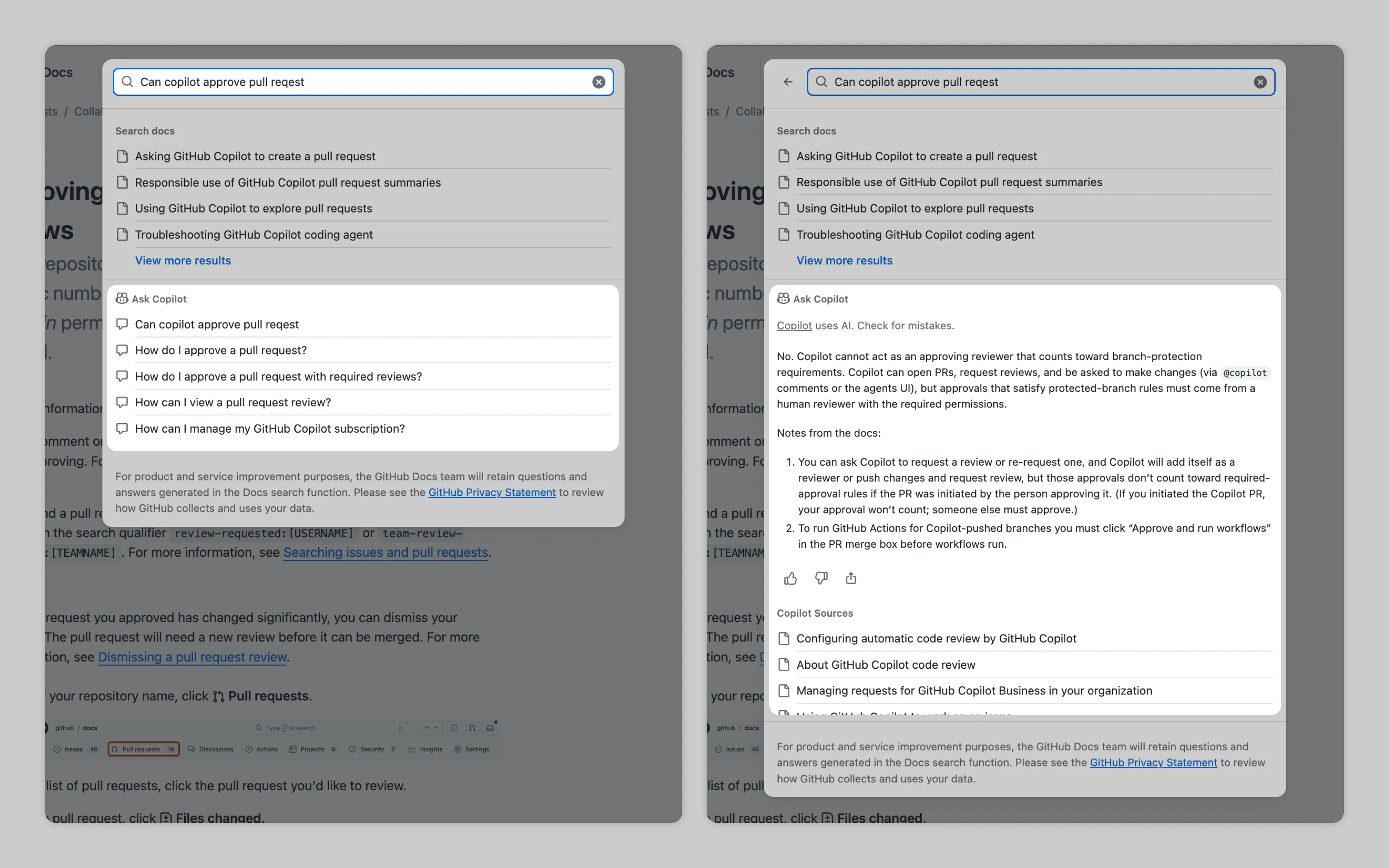
In GitHub Docs, a search returns normal results and an “Ask Copilot” section that shows questions related to what the user typed. Clicking one asks Copilot to answer that question directly.
Labor transparency ➞
3. Show progress, and cite sources
When AI is used for search or filtering, the system should acknowledge it. A simple loading or "thinking" animation is enough to show that input was received and results are underway.
If AI provides an answer itself, sources are critical. They let users verify the output and give them a clear path to explore referenced material.
Or email us at hello@studiolaminar.com