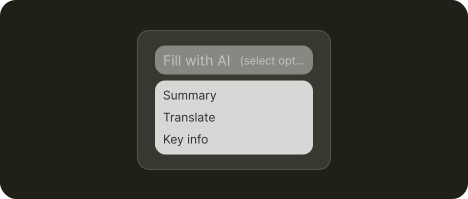
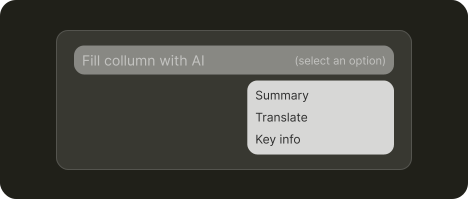
Auto-fill
Fill structure like a list or table with AI output
Use cases
Build a pre-filled project based on user inputs for personalised onboarding
Provide quick insights through automatically summarized meeting transcripts.
Pre-fill project pages with a kickoff brief from existing docs and transcripts.
About
Auto-fill generates AI content from existing data to populate projects, forms, or fields automatically.
It can be used to pre-fill a project, a form, or individual records with summarized notes, meeting transcripts, or any other type of generated content based on the user’s data.
Auto-fill is triggered in two ways. Some tools activate it automatically when users add records or create entries. Others let users configure their own auto-fill rules for databases and structured content, choosing which fields get AI-generated values and when.
What's needed
Quick action ➞ | Open input ➞ | Parameters ➞
1. Provide common fill types for selection
Present your most common auto-fill use cases as quick-select options, but keep an open input field for custom requests that don't fit the presets.
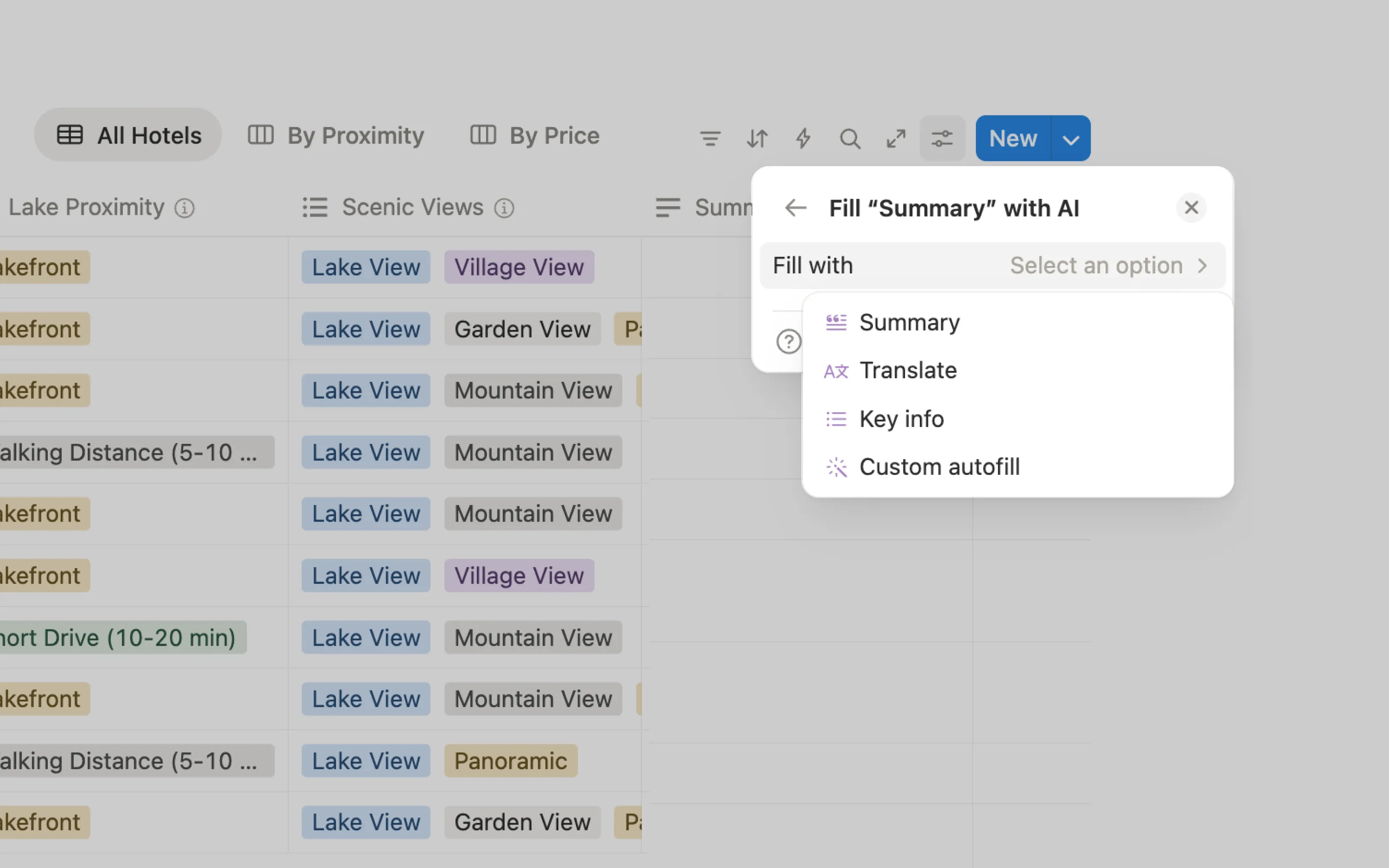
Notion offers three popular fill types plus a "custom autofill" option for natural language instructions.
Output management ➞ | Usage management ➞
2. Save time and resources with previews
Auto-fill can quickly burn through resources on large datasets. Let users preview results on a sample and let them decide if they want to proceed with full run.
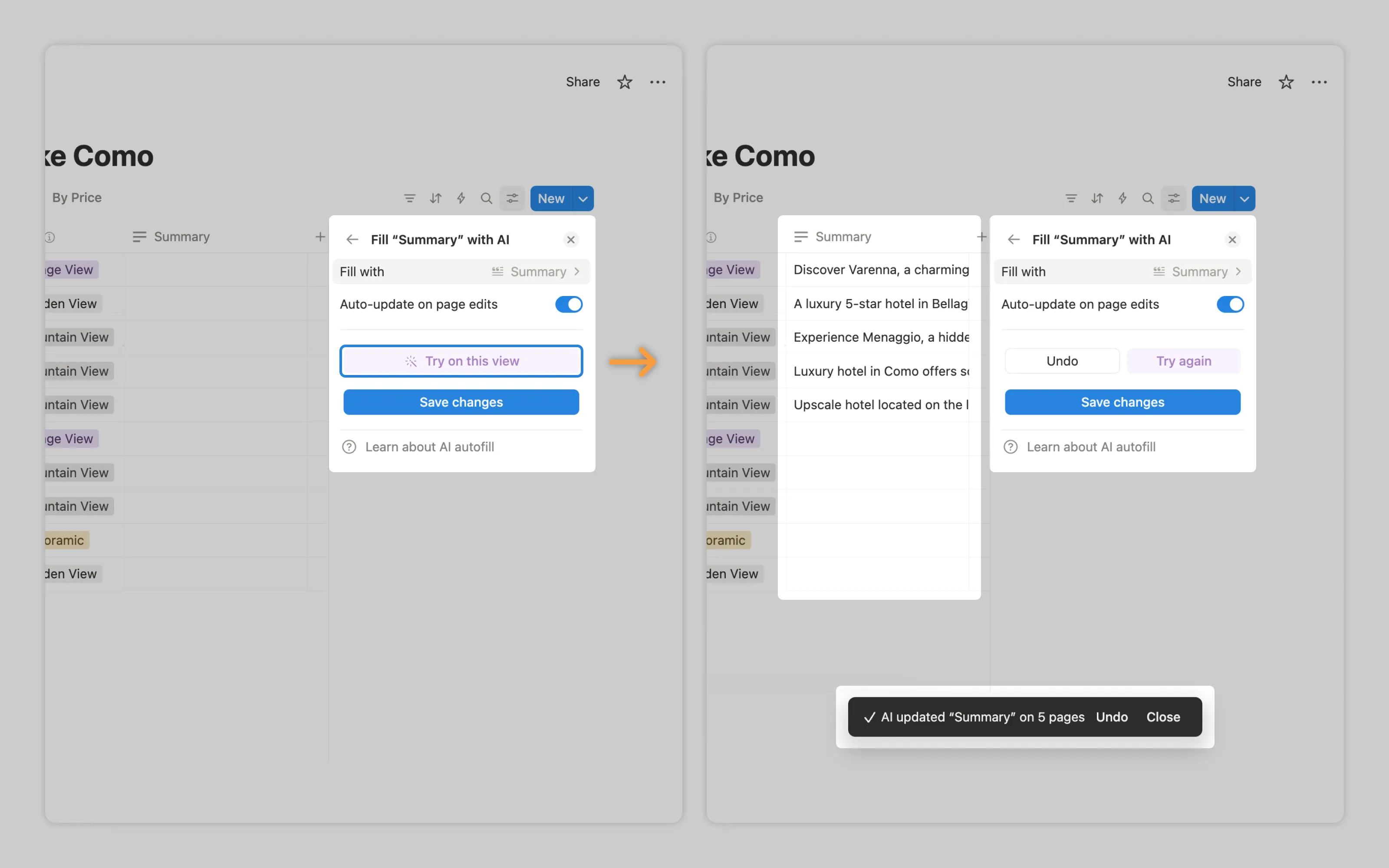
Notion's "Try on this view" fills the first five records as a test run.
Labor transparency ➞
3. Indicate system is working
Auto-fill may take some time to complete, especially when filling multiple records. Give users a clear indication that AI is working. While a simple spinner animation suffices, a progress indicator is also a good idea so users know how far along the AI is.
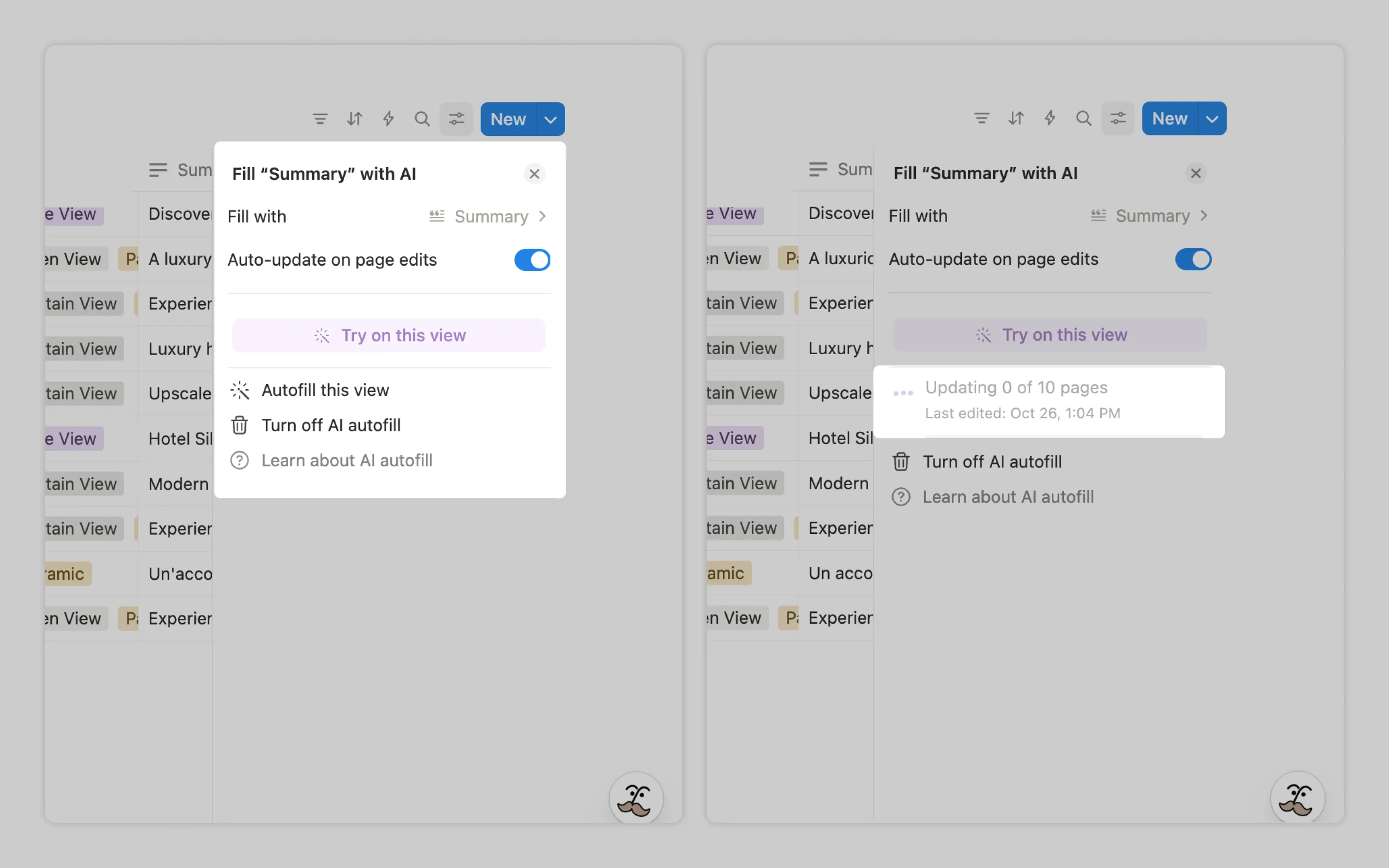
Notion displays both animated dots and a count of pages updated as work progresses.
Disclosure ➞
4. Clearly mark auto-filled content
When users are expected to gain insights or make decisions based on auto-filled content, that content must be clearly marked as AI-generated.
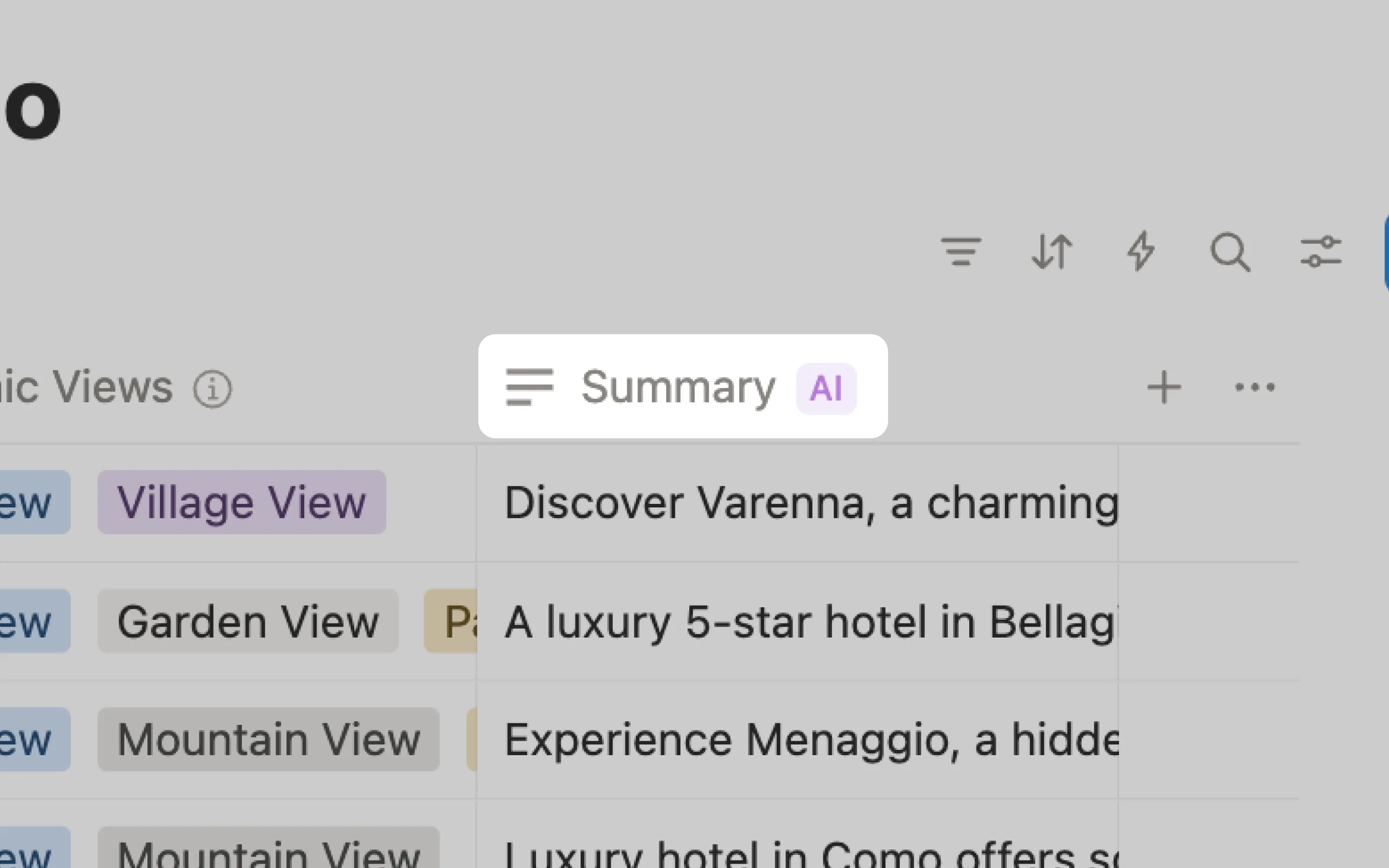
Notion adds an AI badge to columns containing auto-filled data.
Processing management ➞ | Usage management ➞
5. Regenerate on request or per trigger
Source data can change, like when a user edits fields in a table. To stay relevant the AI output may need to be regenerated automatically.
To control resources usage, let users turn off automatic updates, and allow manual updates for a single record instead of forcing a full refresh.
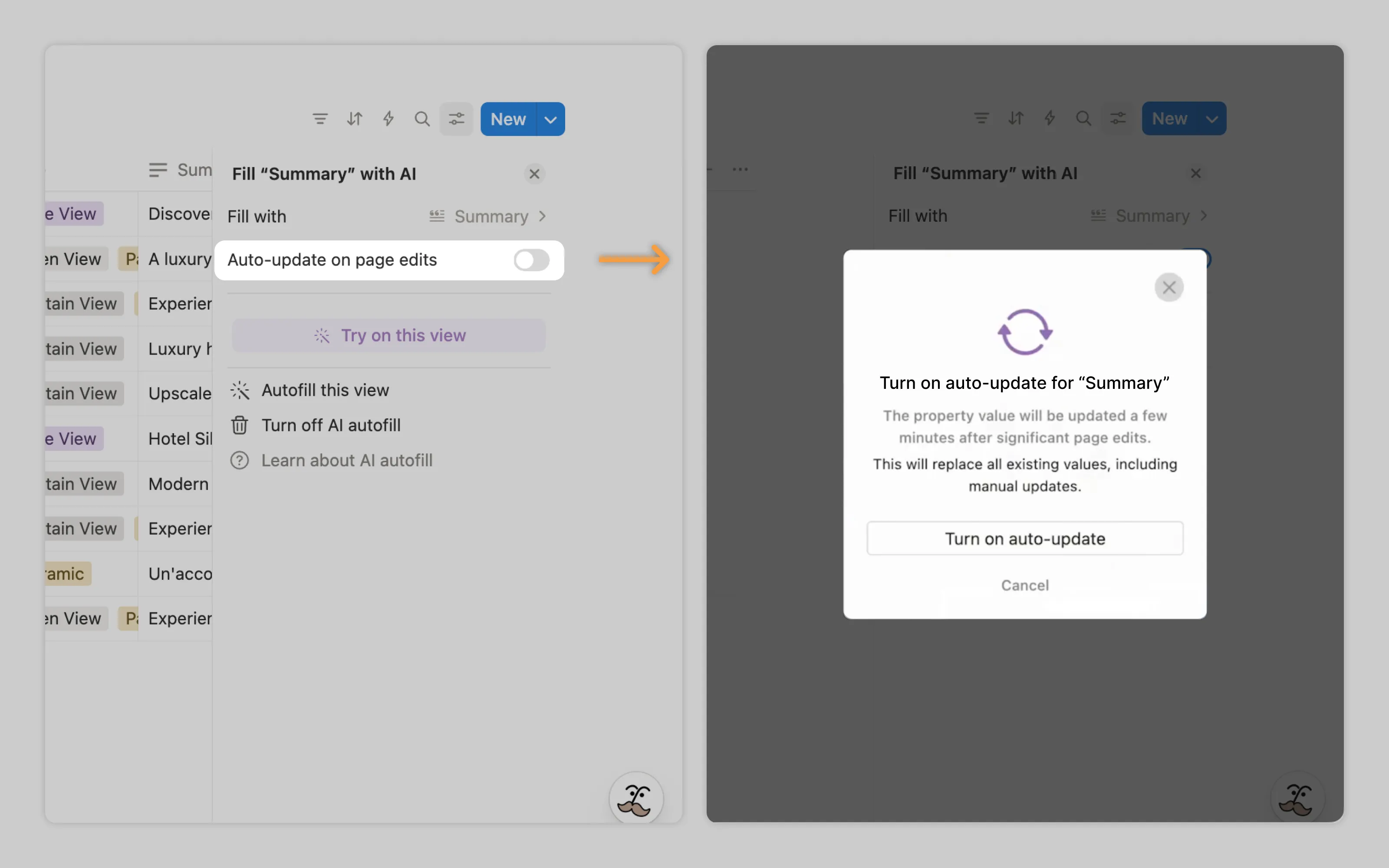
Notion lets users toggle auto-update on and off. When it’s on, Notion refreshes the AI content a few minutes after significant page changes.
Who does it well
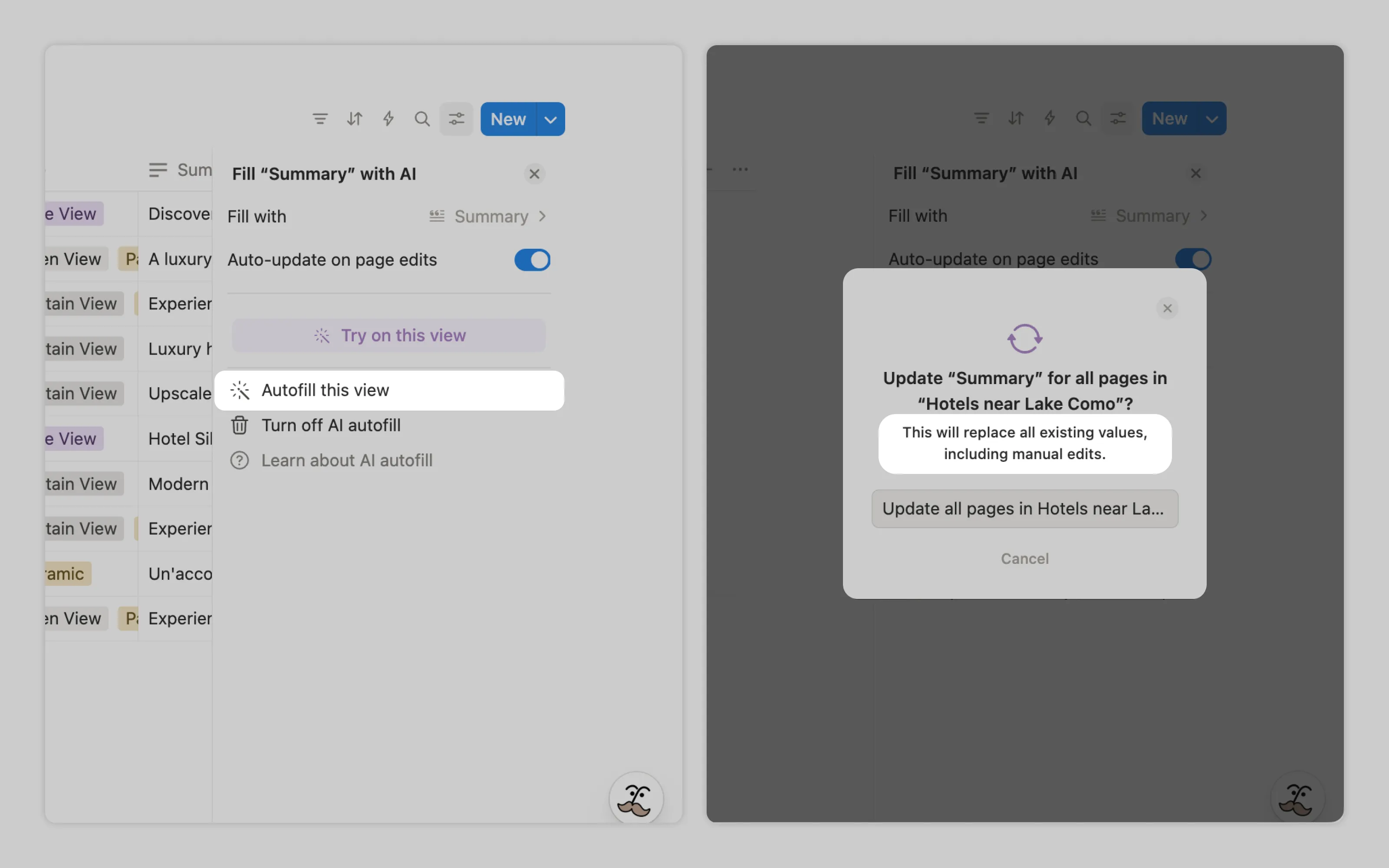
Notion protects human work by warning users that enabling auto-fill will overwrite all existing data in those fields, including manual edits.
Or email us at hello@studiolaminar.com